Sajda
The minimalist prayer times app for macOS.
Requires macOS Sonoma 14.0 or later
Made for macOS.
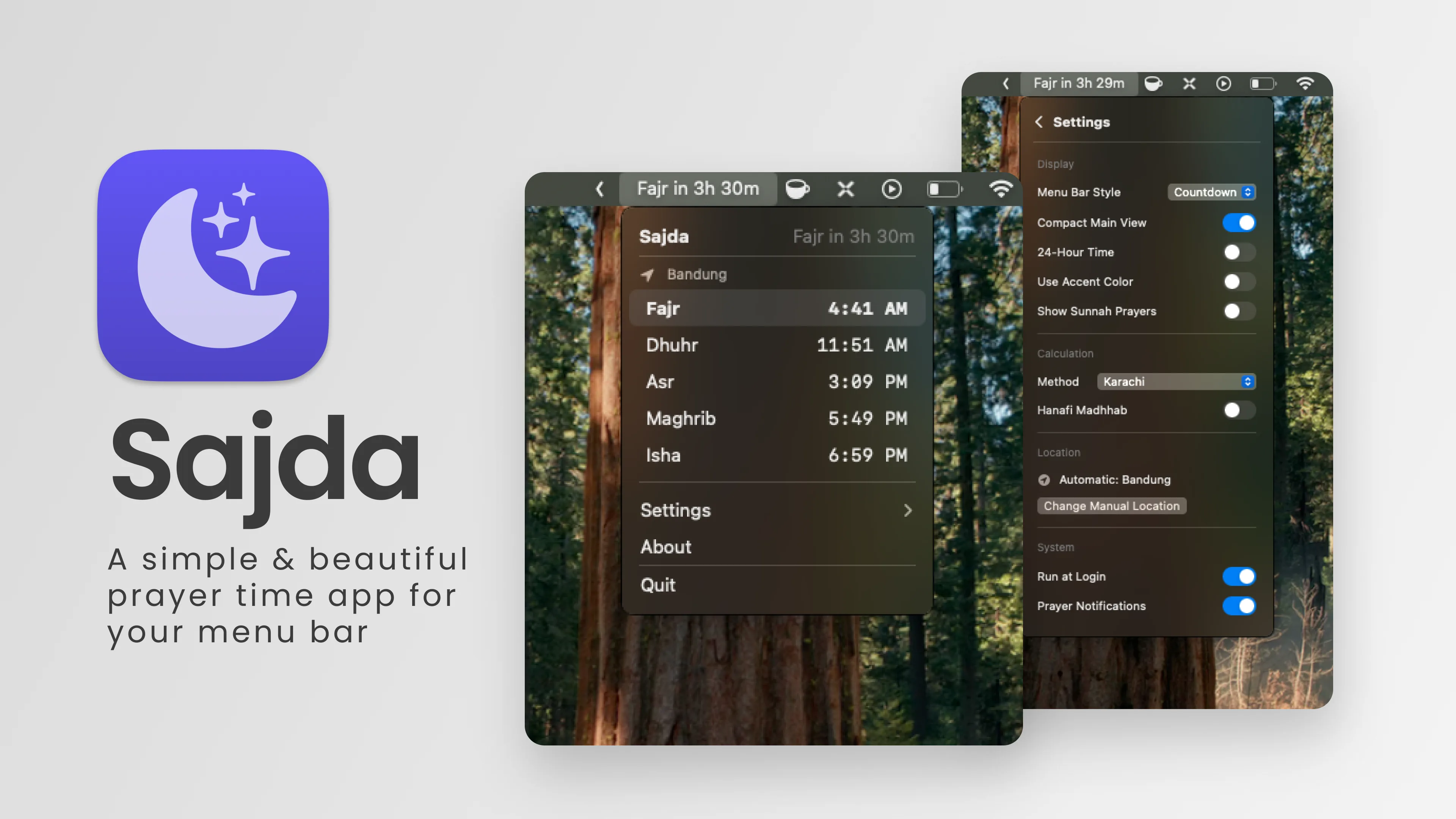
Sajda lives in your menu bar with a countdown to the next prayer. The panel turns red when prayer is imminent and the adhan plays when it begins.
Customizable, offline.
Several calculation methods, per-prayer correction, and mosque timetables from PDF or CSV. Times are computed on your Mac in nine languages. No account, no tracking.
Free and open-source.
Sajda is MIT-licensed on GitHub. It is signed with Developer ID, notarized by Apple, and self-updates through Sparkle.
Privacy
- No accounts, analytics, or tracking. The app has no servers of its own.
- Prayer times are calculated offline with the Adhan library; location stays on your device.
- City search sends only the text you type to OpenStreetMap Nominatim, identified as Sajda.
- Settings live in your local UserDefaults. Nothing else leaves your Mac.
Credits
- Adhan · prayer time calculation (MIT)
- ColorSelector · colour picker (MIT)
- FluidMenuBarExtra · menu bar window (MIT)
- MacControlCenterUI + MenuBarExtraAccess (MIT)
- NavigationStack (MIT)
- Sparkle · in-app updates (MIT)
- Adhan recordings: adhan.notifications and Doha, Qatar on Internet Archive (Public Domain Mark 1.0)
- City search: OpenStreetMap Nominatim; results © OpenStreetMap contributors (ODbL)
- Mosque icon: Mosque by Nawicon from Noun Project (CC BY 3.0)
FAQ
Is it really free?
Yes. MIT-licensed, open source, no paywalls. Ko-fi and GitHub Sponsors links exist if you want to support development anyway.
Does it need my location?
Automatic location is one option. You can also pick a city by name or enter coordinates manually. Times are computed on-device either way.
What are mosque timetables?
Import the calendar your mosque publishes (PDF or CSV) and Sajda shows its adhan times, its iqama gaps, and its Jumu'ah sessions instead of calculated ones. Stored locally, works offline.
Where does it phone home?
Only to OpenStreetMap for city search (when you type one), and to GitHub for update checks. No analytics, no crash reporters, no accounts.
How do I get my mosque's timetable file?
Use the timetable helper: find your mosque, paste its address to get its ID, open the calendar download page, and import the PDF or CSV into Sajda under Settings > Mosque Timetable. Everything runs in your browser — no scraping, no API.
Downloads
or